DSS & Support IT NI Conference Room
Connecting to the display screen and AV equipment
Step 1
Connect the USB cable to your laptop.
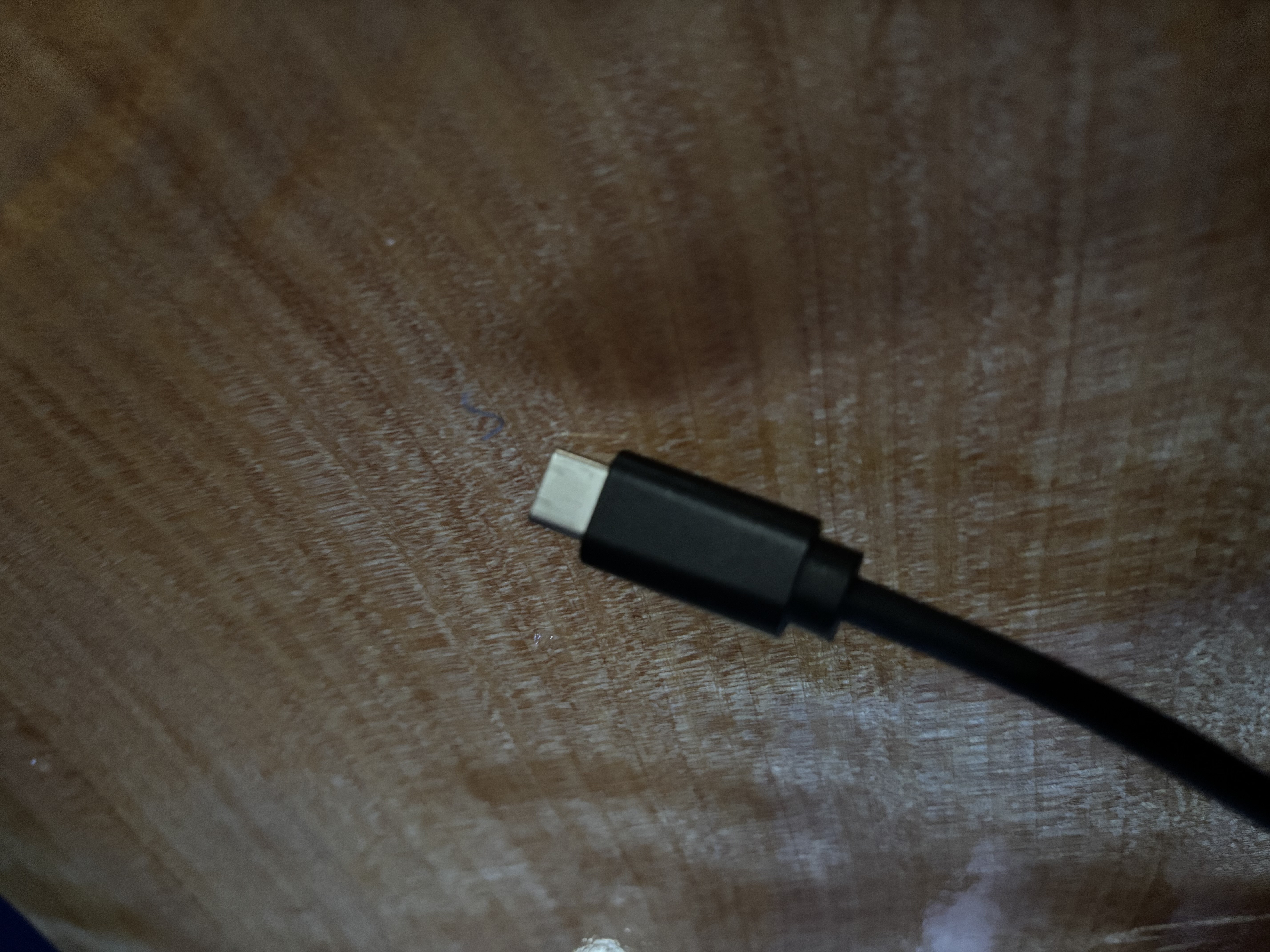
The USB-C connector will provide power (65 watts) to your laptop if it supports it. Use this for preference.
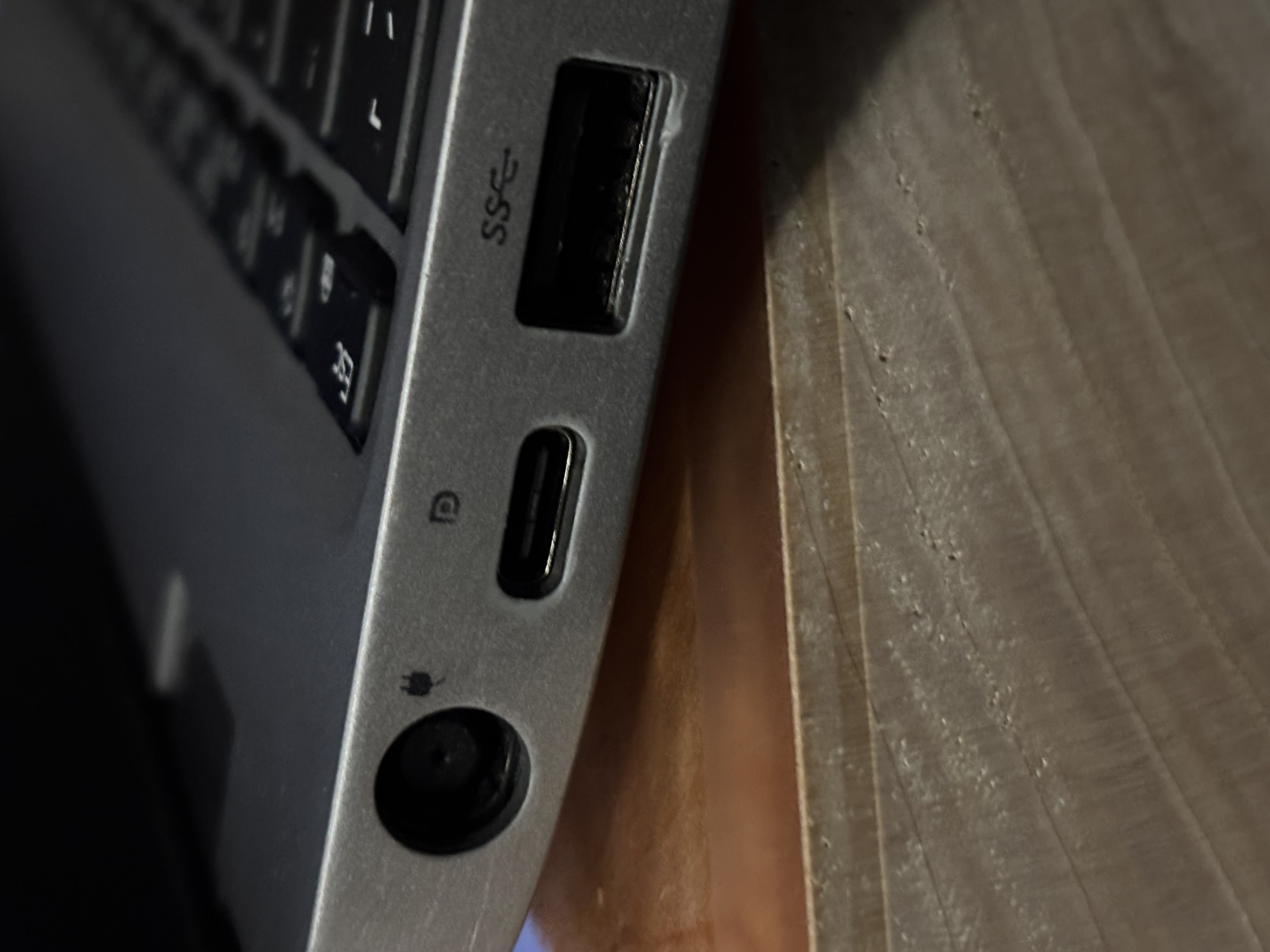
You can use the USB-A adapter if your laptop doesn’t have USB-C ports, or it doesn’t work for you using USB-C
Step 2
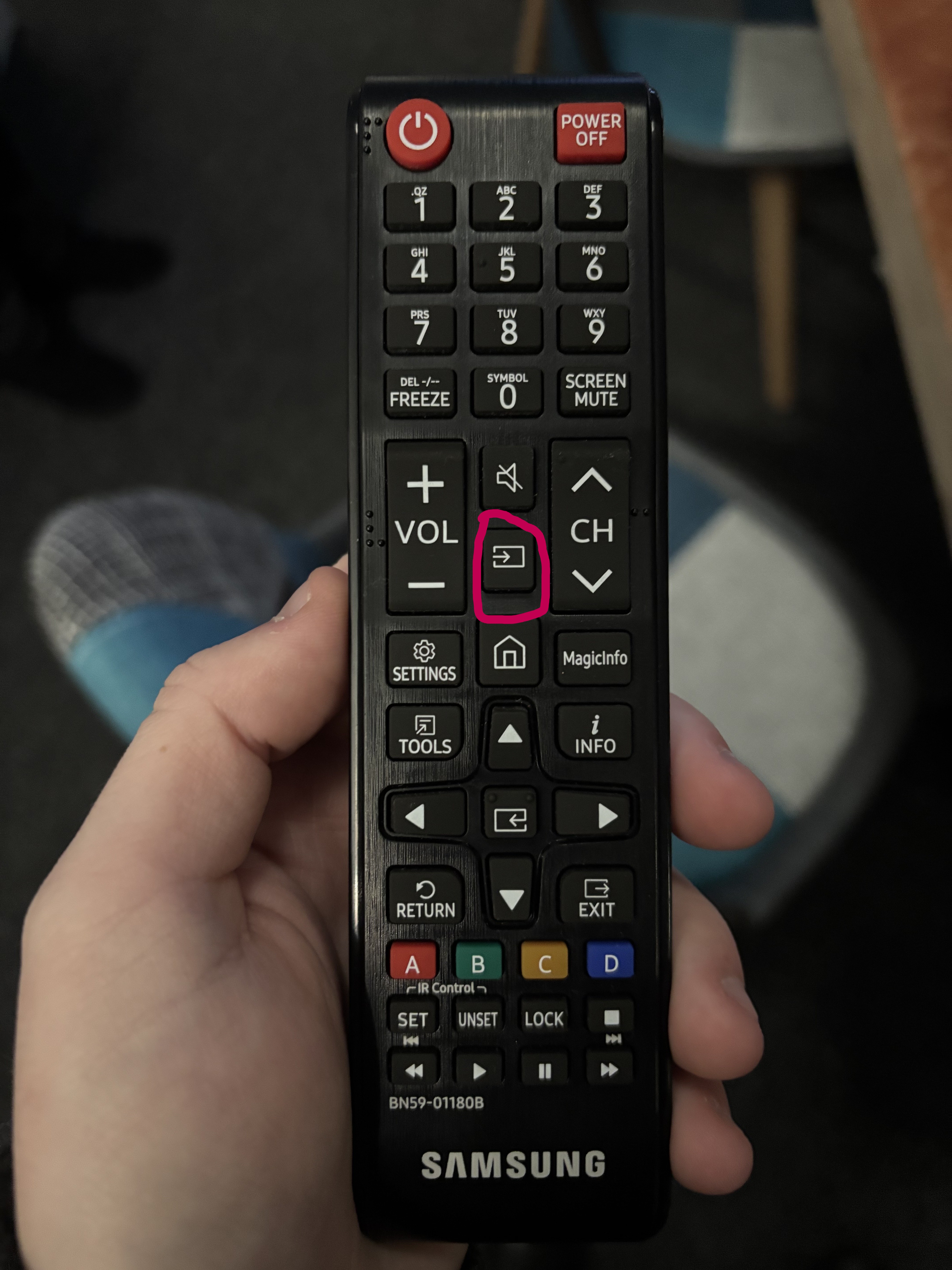
Power on the display screen with the remote control.
Step 3
Press Win+P to select duplicate or extend display.
HDMI direct connect guide
Step 1
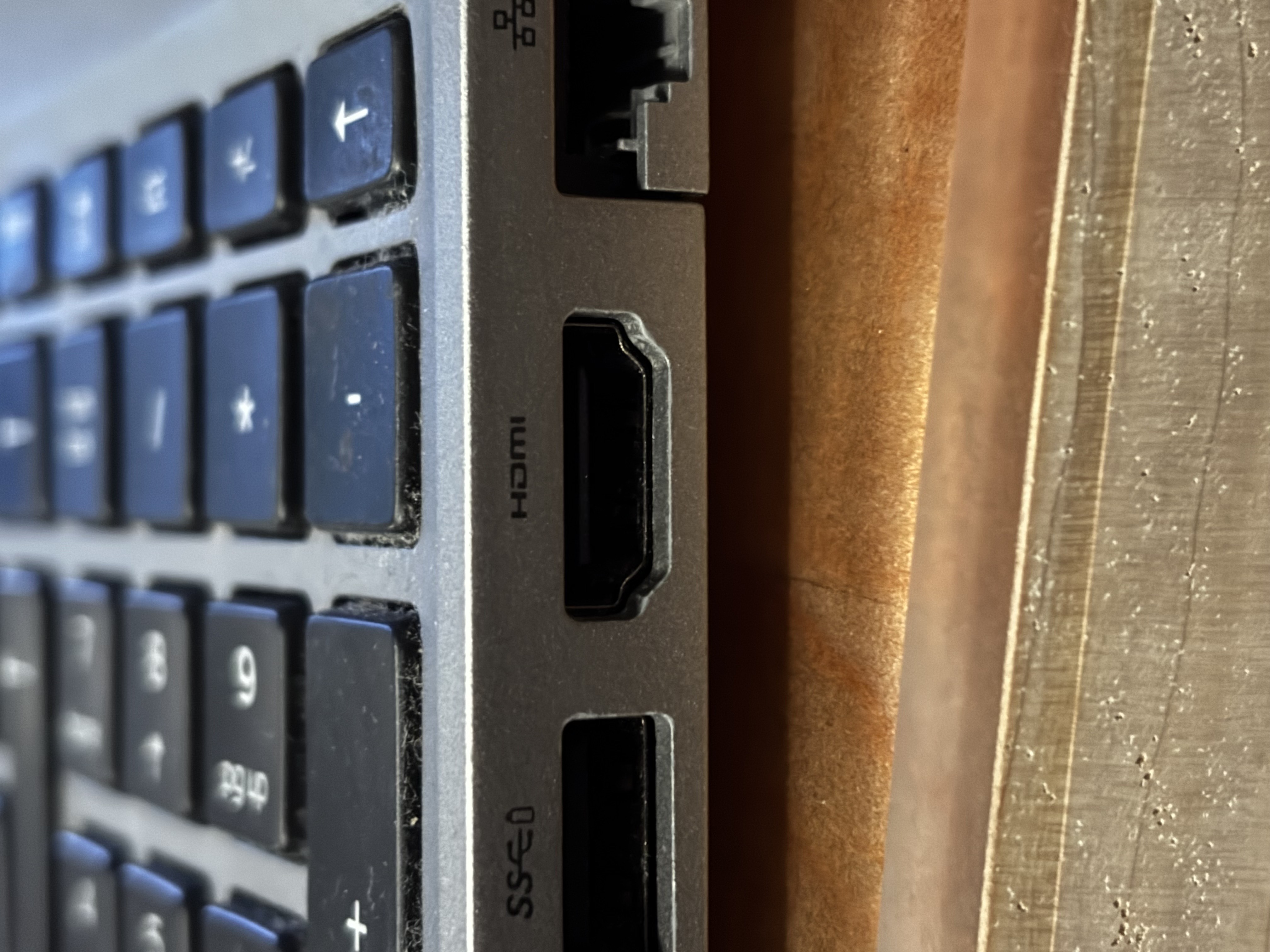
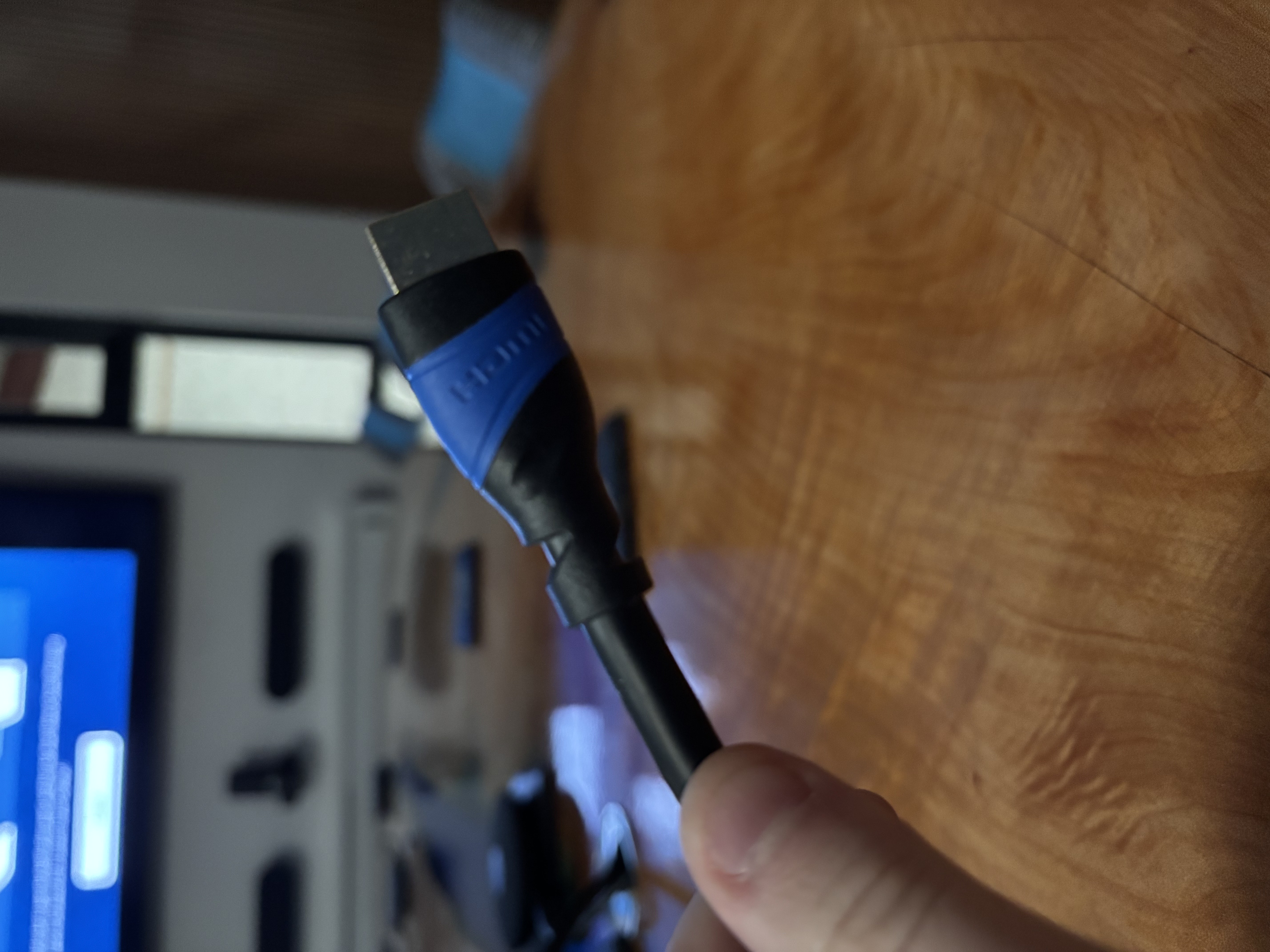
Find and plug the HDMI cable into the port on the side of your laptop
Step 2
Once connected press the source button on the displays remote
Select HDMI 1